Turn text into natural-sounding speech with Toolversal TTS Maker. Paste your script, choose a neural voice, customize how it sounds, then generate and download the audio. No recording setup. No software installation. No account required for free use.
Enter your text, choose a voice, and generate audio in a few clicks.
Start Text to SpeechYou shouldn’t need an account just to test a voice. Toolversal gives free users 100,000 characters every month, and you can generate up to 2,000 words in one conversion.
Use it for YouTube scripts, tutorials, presentations, lessons, voiceovers, social videos, articles, study notes, product demos, and training content — then download MP3 or WAV.
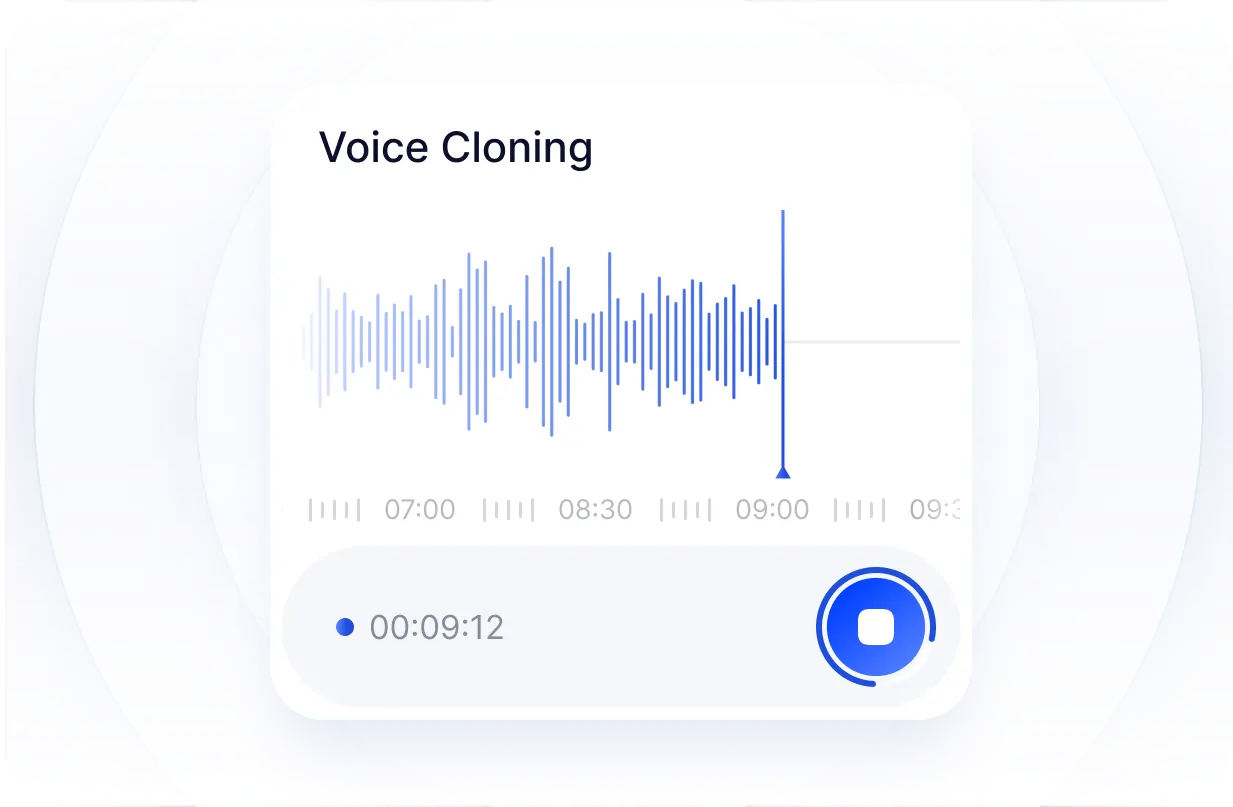
Recording your own narration takes a microphone, a quiet room, multiple takes, and re-recording when the script changes. Write the script first, generate the voice, then update the text and generate again.
Welcome to Toolversal TTS!
212 / 250Toolversal TTS fits creators, students, teachers, marketers, businesses, developers, and writers — the task stays the same: turn text into speech quickly, then download MP3 or WAV.
Text to speech works well for script-based YouTube content. Generate the script first, listen for awkward lines, then rewrite before the final edit.
Use Toolversal for tutorials, explainer videos, faceless videos, Shorts, product walkthroughs, educational videos, software demos, list videos, and social clips.
Create narration for short videos and clips. Write for listening — shorter sentences sound clearer than long written lines when spoken aloud.
Test the timing of a script before producing the final version. If one sentence changes, update the text and generate it again without a full re-record.
Turn study material and lessons into audio. Edit the source text and regenerate when wording changes — much easier than recording the entire section from scratch.
Use Toolversal for notes, revision material, lesson summaries, instructions, drafts, and reading material. Hearing a paragraph spoken aloud can make awkward wording more noticeable.
Create course introductions, lesson narration, training material, instructions, revision audio, and educational presentations — then regenerate when a lesson needs new wording.
Paste part of an article, document, draft, or note and listen instead of reading from the screen. The 2,000-word per-conversion limit covers substantial sections.
Business content changes frequently. Update the words and regenerate the audio — the script remains editable.
Use Toolversal for employee training, onboarding, support content, and instructions when a dashboard update or new feature makes older audio outdated.
Create product demonstrations, internal presentations, and explainer videos. Turn written product copy into spoken explanations without a recording session.
Developers can use generated speech in prototypes and product testing. Marketers can generate speech for promos and demos — then revise the script anytime.
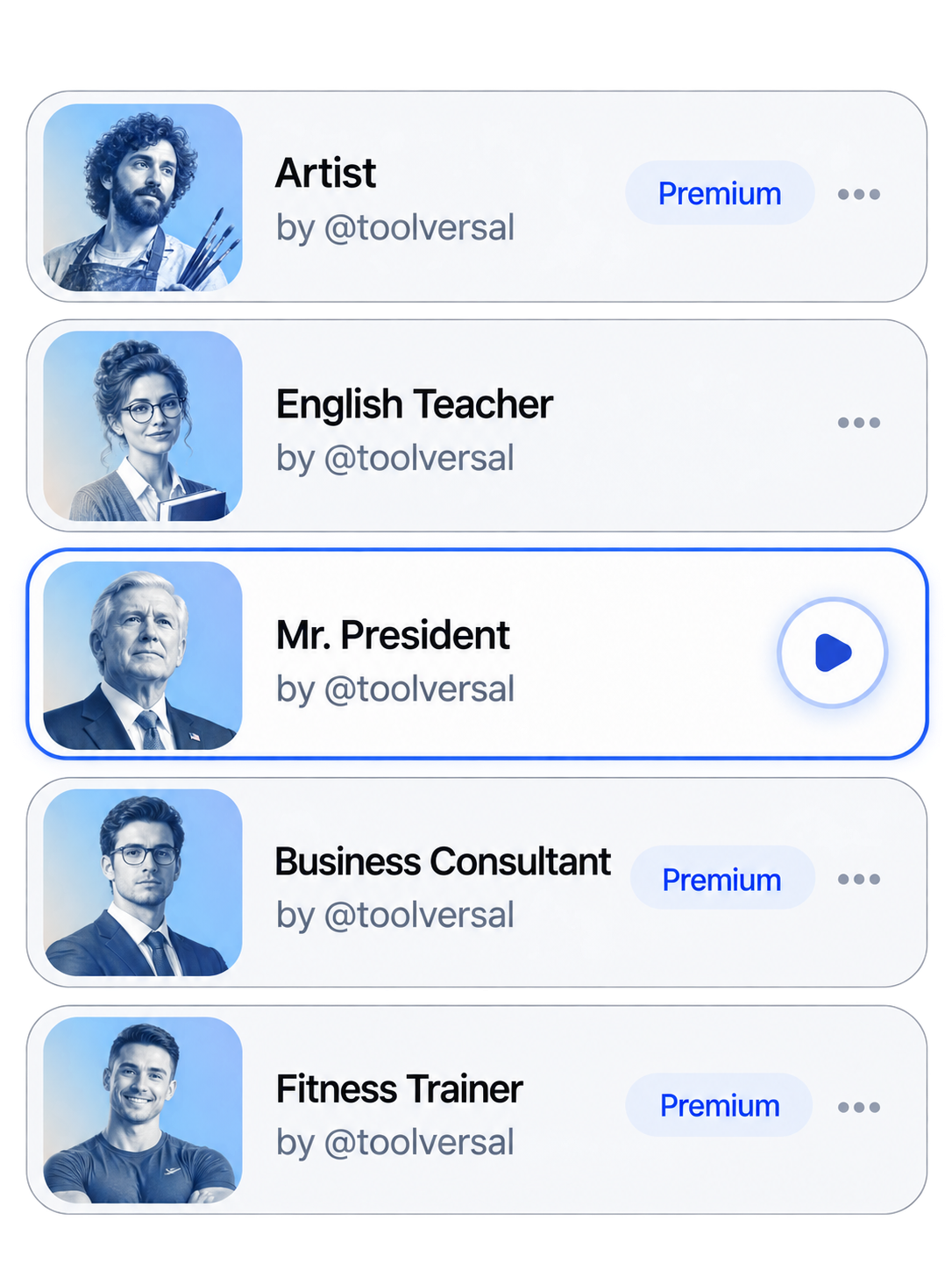
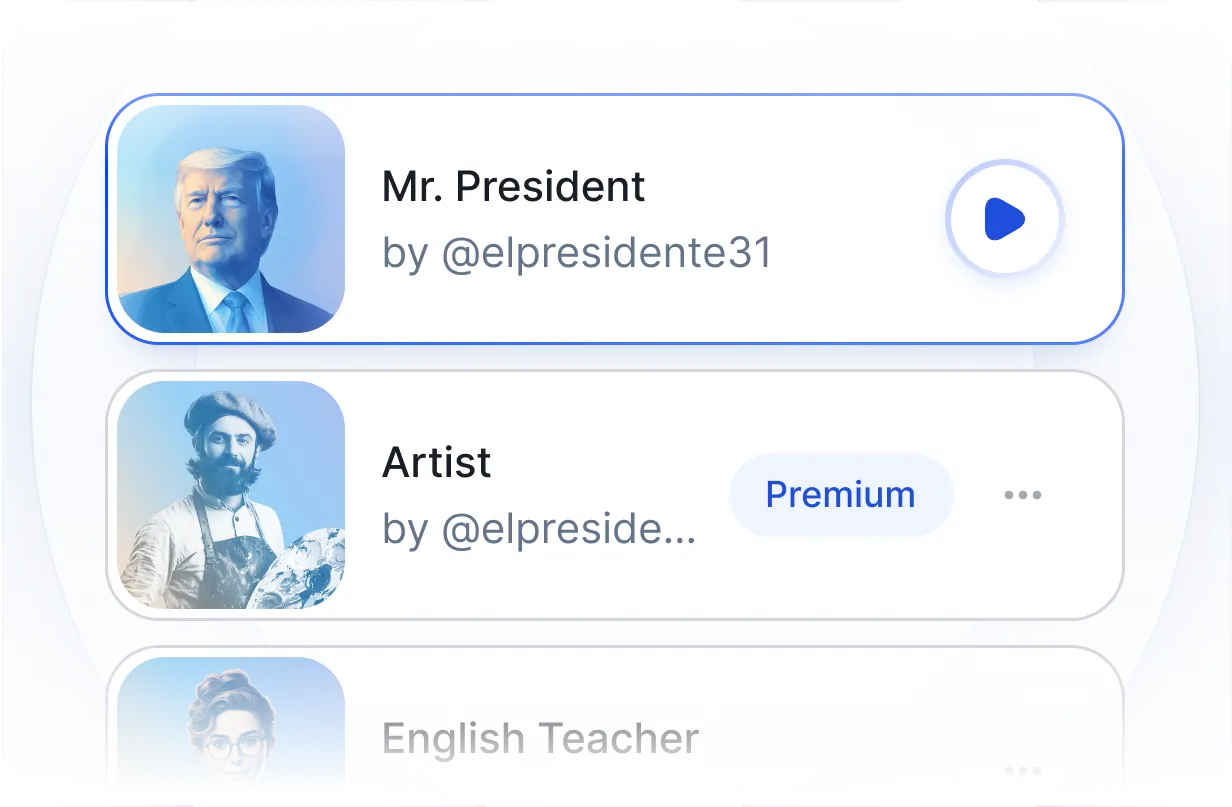
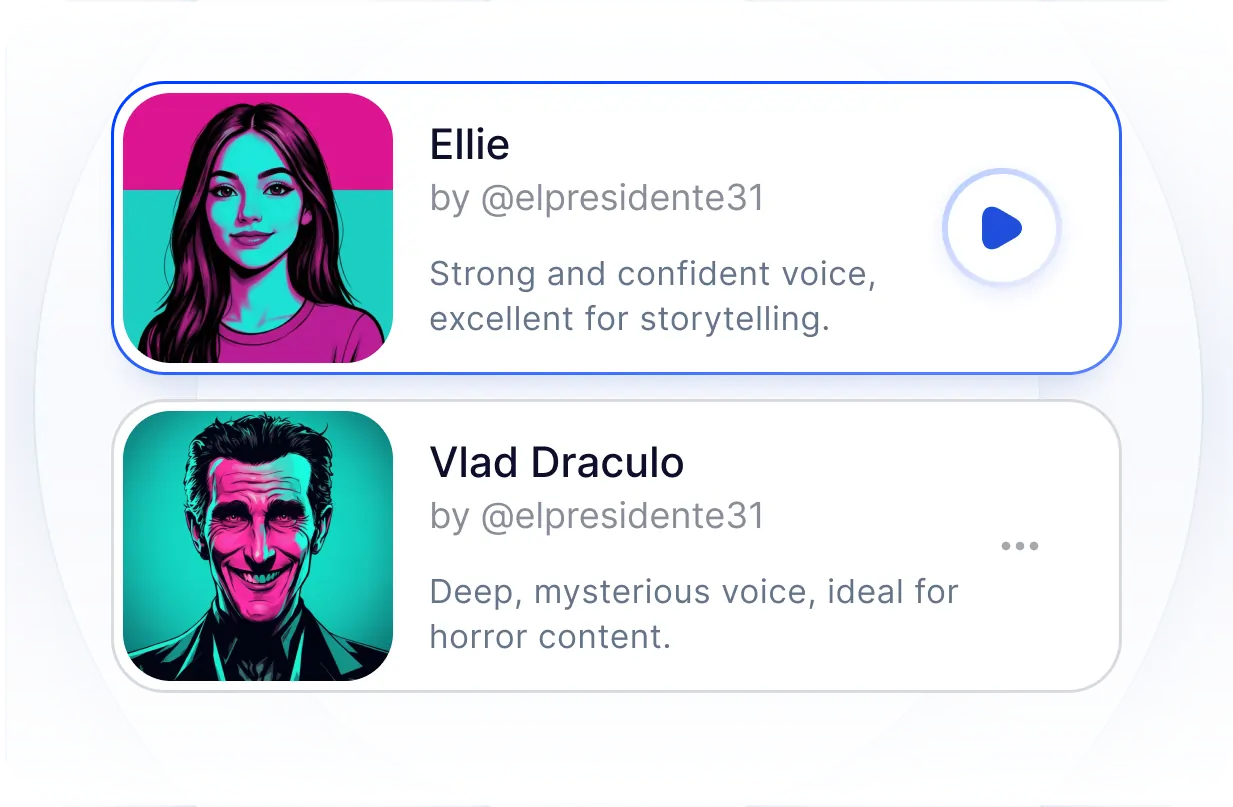
Choose male or female neural voices with multiple accents — Eric is currently the most-selected voice among Toolversal TTS users.
Explore More Voices
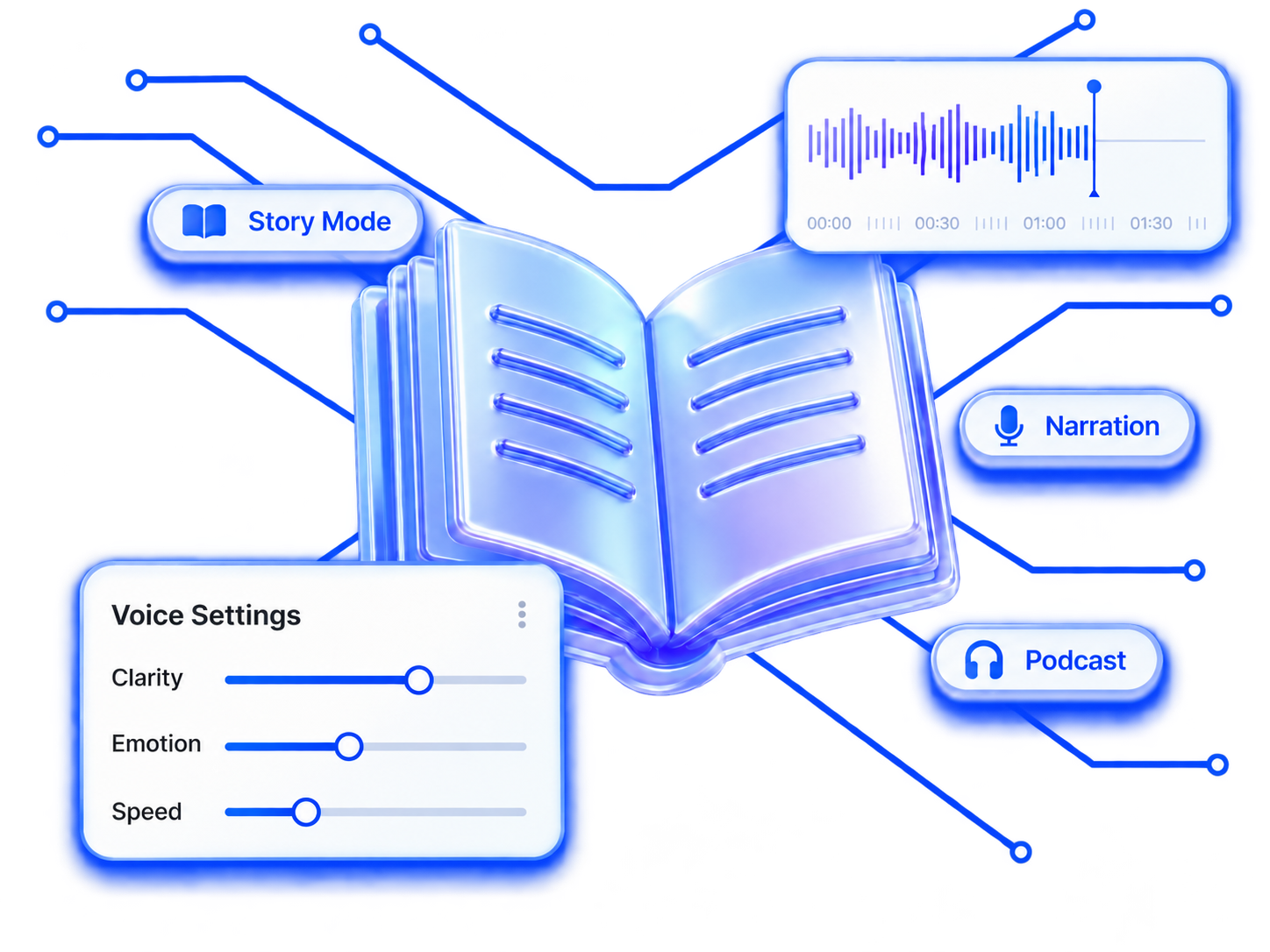
Adjust speed, pitch, volume, pauses, emotion, and speaking style — or start with defaults like our Eric test.
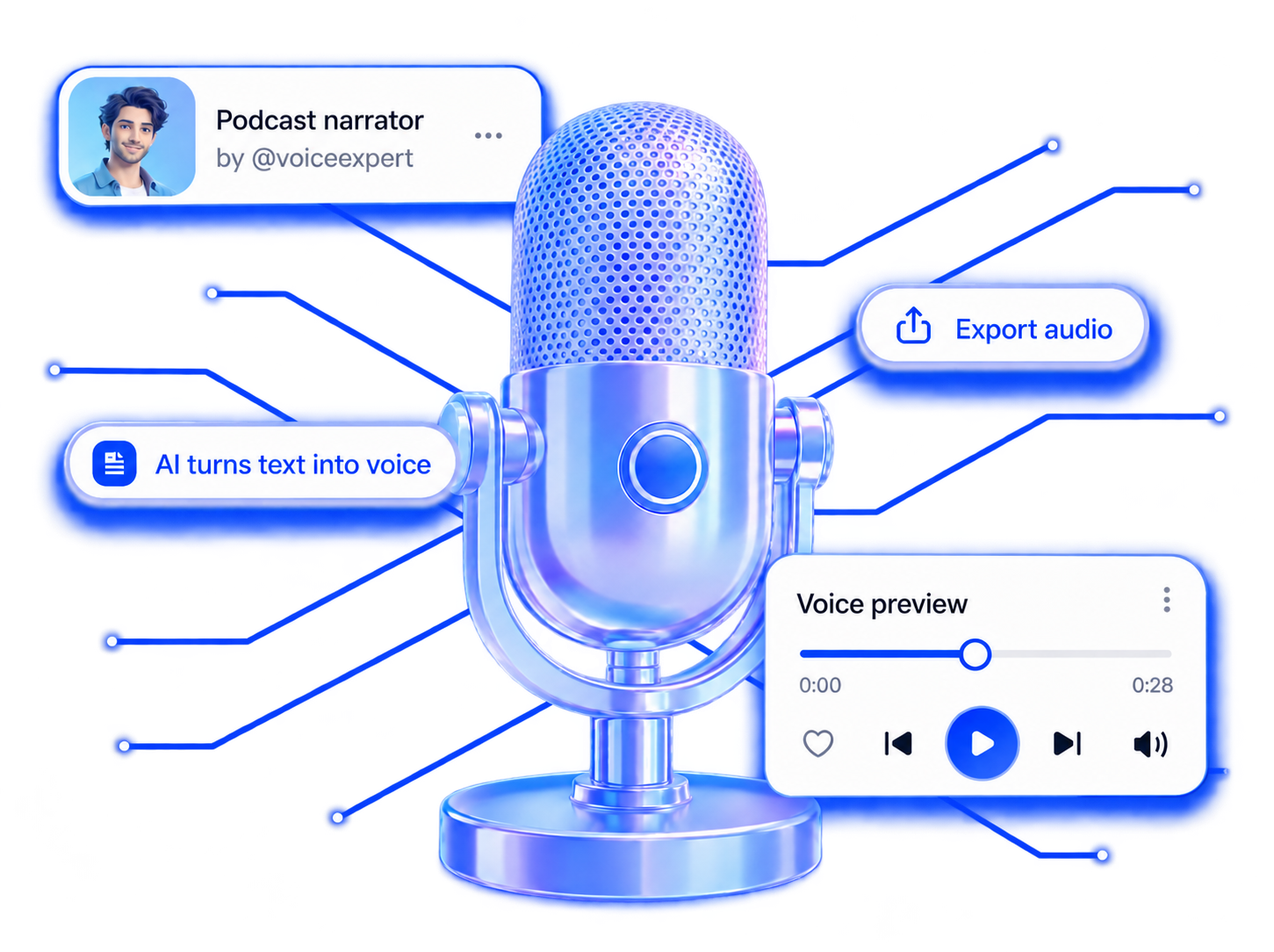
MP3 is currently the most-used output format among Toolversal users. WAV is available when your workflow needs it.
Select from the major languages supported by Toolversal. English is currently the most-used language among Toolversal TTS users.
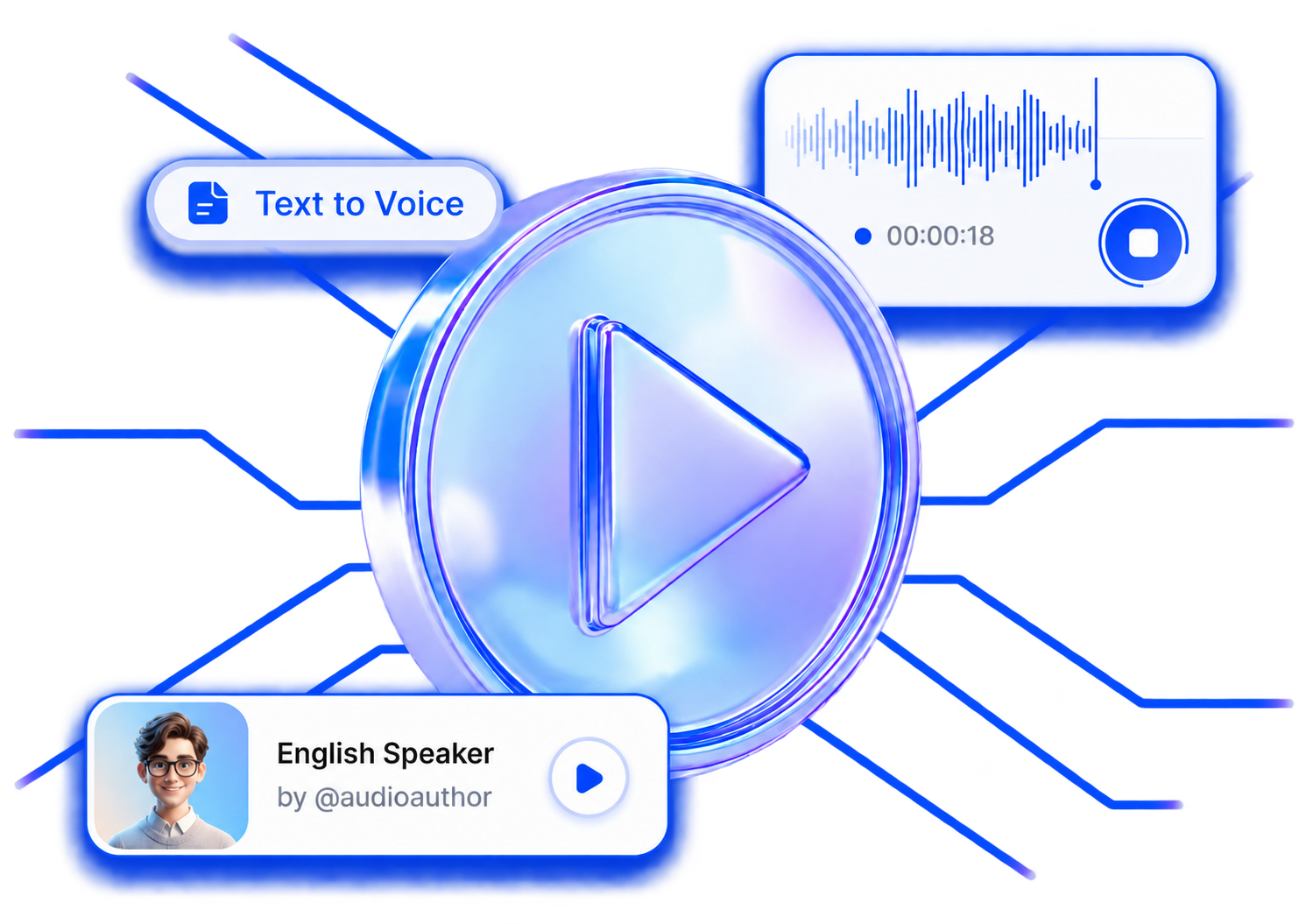
A TTS maker converts written text into spoken audio. Enter text, select a voice, and generate the speech.
TTS means Text to Speech — technology that converts written words into generated audio.
Yes. Free users currently receive 100,000 characters per month.
You can convert up to 2,000 words in one generation.
No. Free TTS use does not require registration. Login is required for premium features.
Toolversal supports major popular languages. English is currently the most-used language among Toolversal TTS users.
Toolversal includes male neural voices, female neural voices, and multiple accents.
Eric is currently the most-selected voice. It is also the voice we used in our September 12, 2026 internal test.
Generation time varies. In our internal test, approximately 1,000 words using Eric generated in about 30 seconds. That is an observed result, not a guaranteed processing time.
For the general text we tested, we found the clarity, pacing, accent, and pronunciation excellent. The voice was used with default settings.
Yes. You can control speed, pitch, volume, pauses, emotion, and speaking style.
Yes. Toolversal supports both MP3 and WAV. MP3 is currently the most-used output format among Toolversal TTS users.
You can generate narration for tutorials, explainers, Shorts, faceless videos, product demos, and educational videos. For publishing or monetized use, follow Toolversal’s current usage terms and the rules of the platform where you publish.
Yes, for many narration tasks — tutorials, presentations, lessons, demos, and other script-based content. Human actors may still be better for projects requiring complex emotional performance.
They overlap. Text to speech specifically converts text into spoken audio. “AI voice generator” is a broader term that can include other voice-generation technologies.
Start without creating an account. Paste your text, choose a neural voice, adjust the delivery if needed, generate the speech, and download it as MP3 or WAV. 100,000 free characters per month · Up to 2,000 words per conversion. Not sure which voice to try first? Start with Eric.